Plays anything
Built on a proven media engine with broad codec support — the streams that trip up other apps just play.

OVVOS TV for Windows is a real desktop app built on a powerful media engine — the same one that plays virtually anything. Sign in with your Xtream Codes-compatible service and get Live TV with a guide, a streaming-style library, and proper multi-track audio and subtitles.
Player only. OVVOS TV includes no channels or content and is not affiliated with any provider. You connect it to your own Xtream Codes-compatible service that you are lawfully entitled to use.
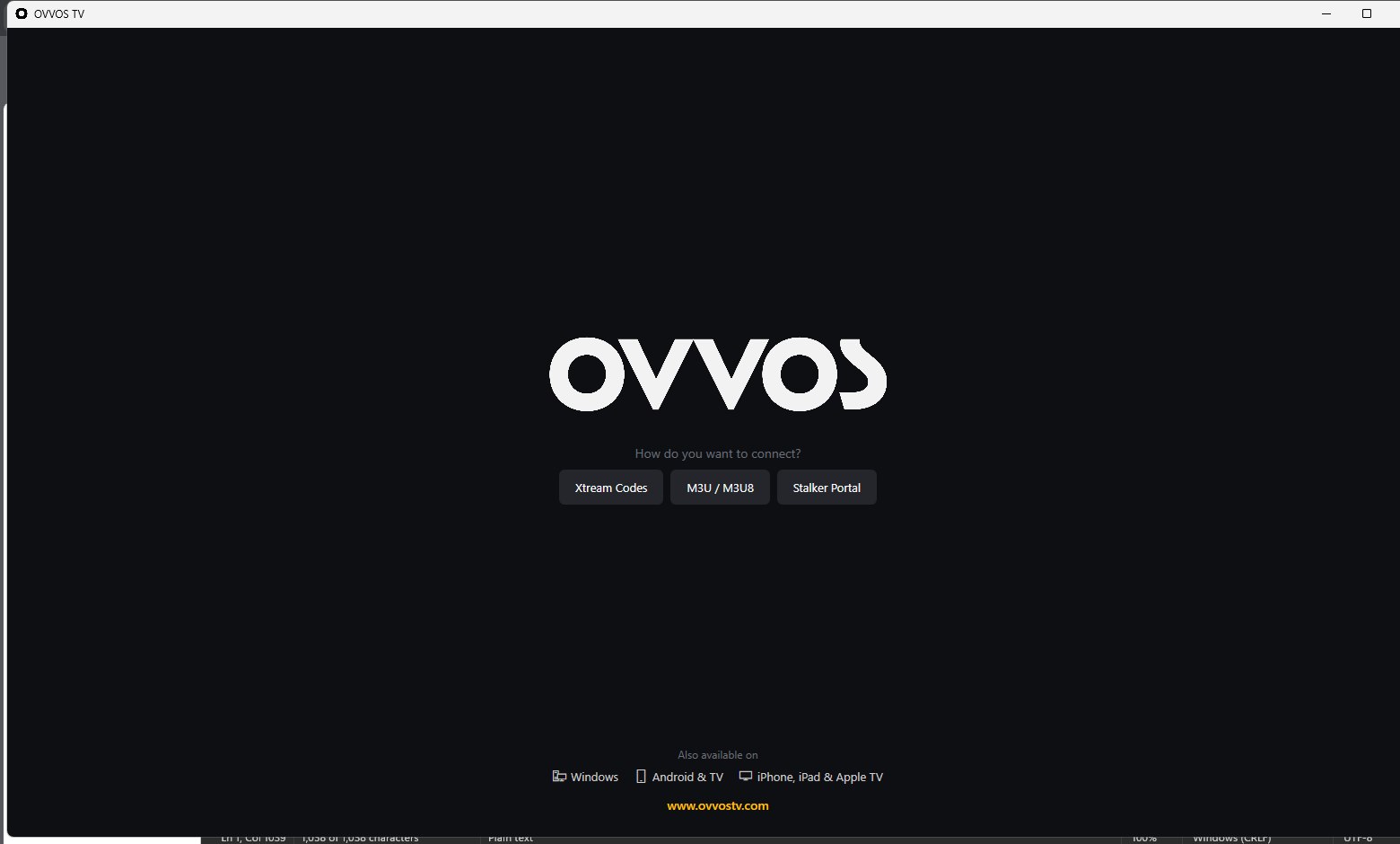
Use Xtream Codes, an M3U / M3U8 playlist, or a Stalker / Ministra portal. A clean, stepped sign-in stores your details locally — and signs you back in automatically next time.
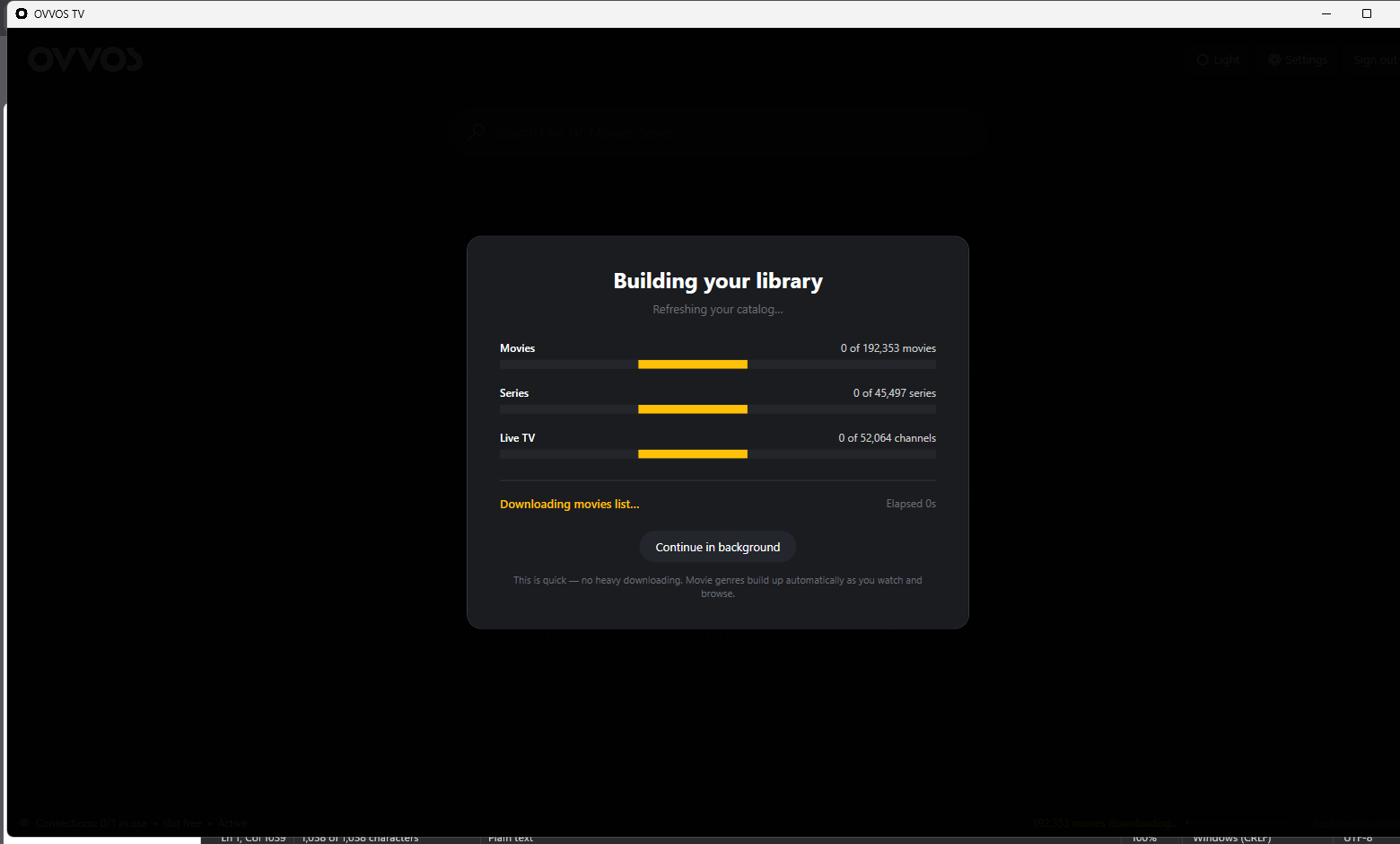
OVVOS TV pulls your full catalog and indexes it locally with per-type progress — tens of thousands of movies, series and channels ready in a blink. Genres and details fill in quietly as you browse.
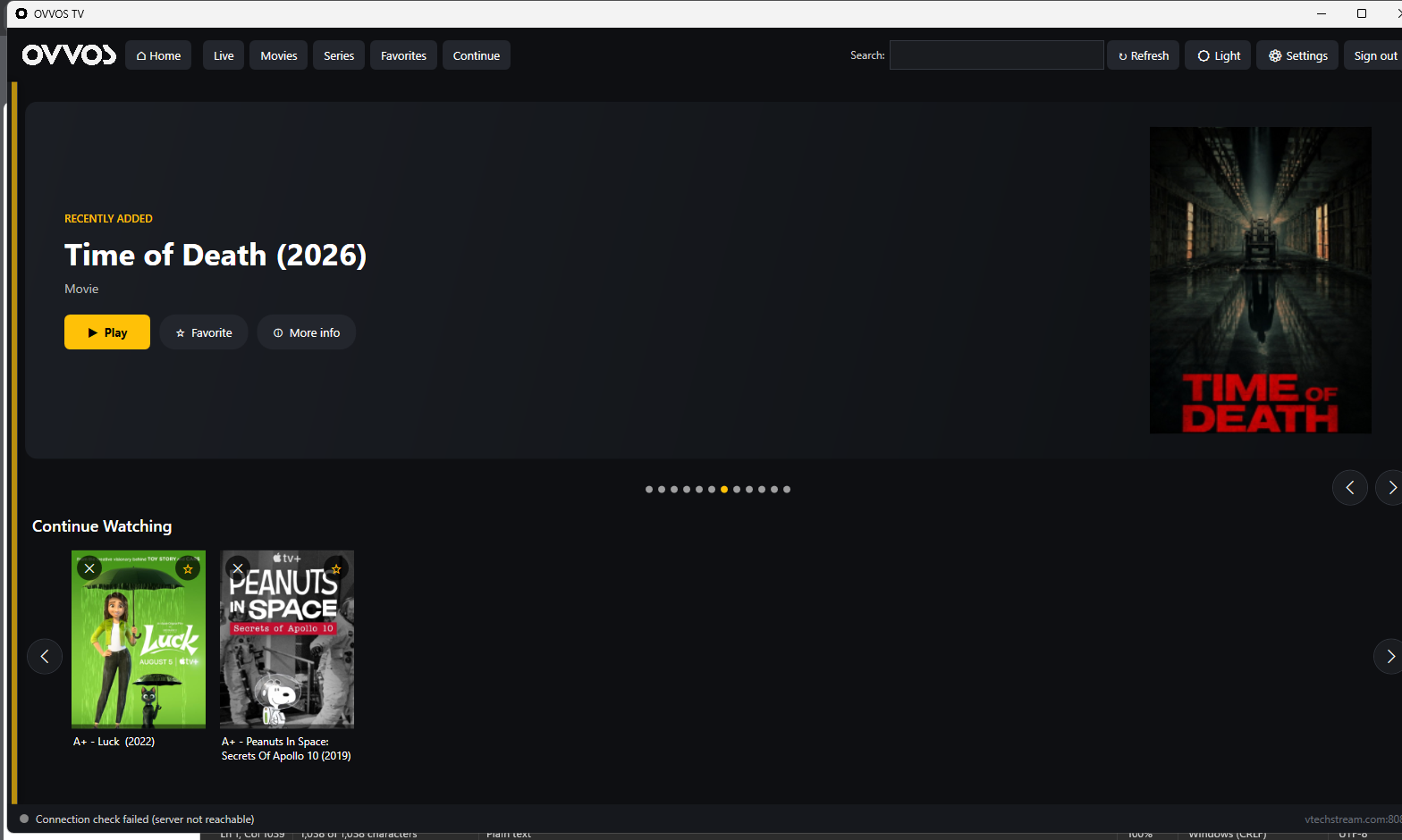
An auto-rotating spotlight headlines your library, with Continue Watching, favorites and category rows beneath it. Home, Live, Movies, Series, Favorites and Continue are one click away in the top bar, with search alongside.
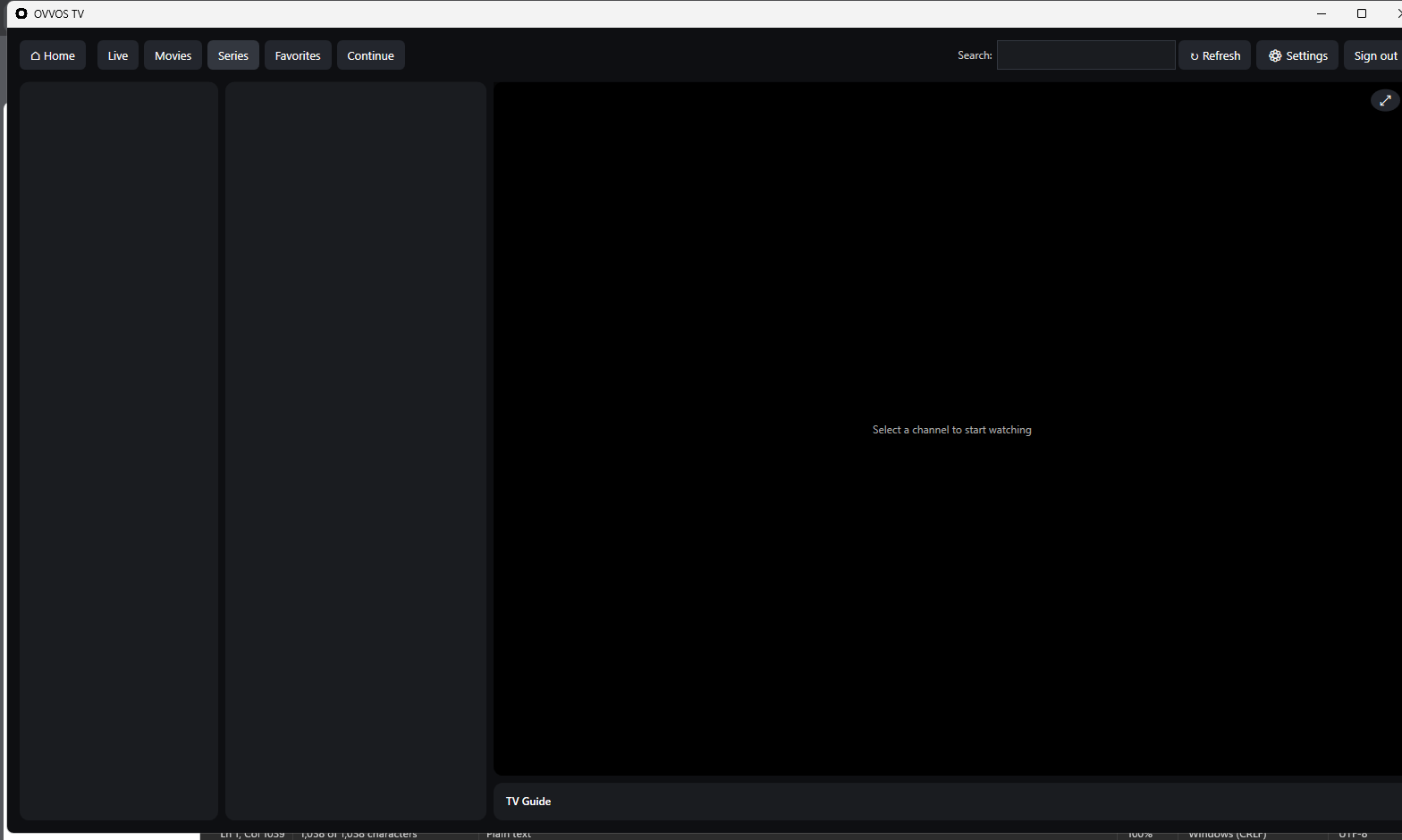
Browse by category and channel on the left, watch the preview in the center, and read the TV Guide below. Go full-screen with a click; multi-track audio and subtitles are right there when you need them.
Built on a proven media engine with broad codec support — the streams that trip up other apps just play.
Switch audio languages and subtitle tracks on the fly, with subtitle size and color controls.
Your login and history stay on your PC. A self-contained build means no runtime hunting — it just runs.
We're inviting people in waves. Join the waitlist and we'll send your invite — with the free trial — the moment the Windows build is ready for you.